
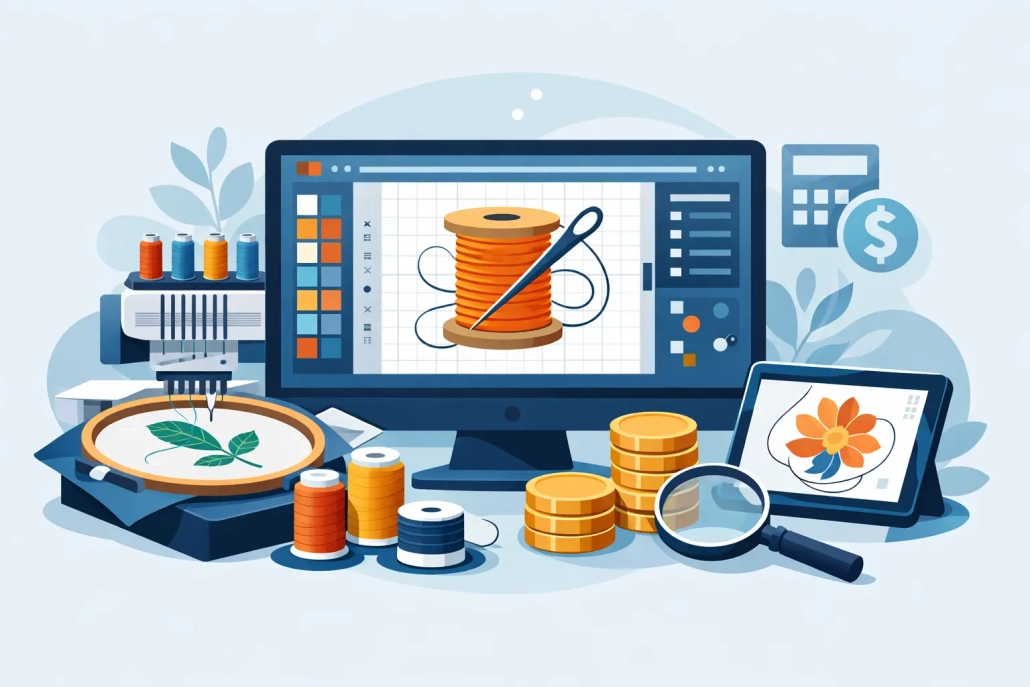
How Much Is Embroidery Digitizing Software?
If you are asking how much is embroidery digitizing software, you are probably not shopping for software out of curiosity. You are trying to protect margins, keep production moving, and decide whether buying a program makes more sense than outsourcing the work. That is the right question, because embroidery software pricing is rarely just the number on the sales page.
For most embroidery businesses, the real cost lands somewhere between a few hundred dollars and several thousand dollars, depending on what you need the software to actually do. Some entry-level programs start around $100 to $500. Mid-range digitizing software often falls between $1,000 and $4,000. Professional packages can run $5,000 to $12,000 or more, especially when advanced lettering, auto-digitizing, stitch editing, applique tools, and machine-specific features are included.
That wide range is exactly why buyers get stuck. The software market includes basic editing tools, true digitizing platforms, subscription products, modular upgrades, and brand-specific systems that only make financial sense for certain shops.
How much is embroidery digitizing software for most shops?
The short answer is that most small and mid-sized embroidery businesses will spend either on the low end for limited capability or on the high end for full production control. There is not much value in the middle unless your volume justifies it.
If you only need to resize, change thread colors, adjust simple lettering, or prep clean files for repeat jobs, lower-cost software may be enough. But if your team needs to digitize logos from scratch, build cap files, manage underlay properly, control pull compensation, and prepare difficult designs for jackets, towels, or patches, the price climbs fast.
That matters because many buyers think they are purchasing one tool, when they are really purchasing a full technical workflow. The software itself is just one part. Training time, production errors, file revisions, and operator skill all affect the true return.
Entry-level pricing
At the lower end, you will find software in the $100 to $500 range. These products are usually best for hobby users, startups with very light embroidery volume, or shops that mostly receive ready-to-run files. Some offer basic lettering, file conversion, and minor editing.
The trade-off is simple. Cheap software is cheap because it does less. It may not give you the stitch-level control needed for commercial logo work, structured caps, textured garments, or high-detail branding.
Mid-range pricing
Mid-tier programs generally cost $1,000 to $4,000. This is where many small commercial shops start looking seriously, because the software begins to offer more practical digitizing capability. You may get better manual tools, smarter stitch generation, expanded font libraries, and more production-friendly editing.
Even here, the value depends on your workload. If you digitize every day and handle repeat orders in-house, this level can make sense. If you only need a few files per week, the investment may take much longer to pay back than expected.
Professional software pricing
At the top end, professional embroidery digitizing software usually starts around $5,000 and can move well past $10,000. Some systems are sold in modules, so the final price rises as you add features like advanced fill tools, chenille support, sequin options, multi-head production controls, or specialized lettering.
This level is built for serious production environments. The shops buying here typically need deep control over stitch behavior, consistency across machine runs, and the ability to handle complex logo programs without depending on outside support.
What changes the price of embroidery digitizing software?
Two products may both be called embroidery digitizing software, yet one costs $300 and another costs $8,000. The difference usually comes down to capability, not branding alone.
The first factor is whether the software is true digitizing software or just editing software. Editing tools let you open embroidery files, make minor changes, and save them in machine formats. True digitizing software allows you to build a design from artwork, assign stitch types, adjust density, create underlay, and fine-tune the file for actual production.
The second factor is automation. Auto-digitizing features can make the software look easier to use, but they do not always deliver production-ready results. Shops often pay more for automation, then still spend labor correcting the file manually.
The third factor is specialization. Cap digitizing, 3D puff, jacket backs, towels, and patches require more control than flat, simple left chest designs. Software that handles these applications well usually sits at a higher price point.
The fourth factor is licensing. Some products are one-time purchases, while others use monthly or annual subscriptions. A subscription may feel affordable at first, but over two or three years, the total can exceed the cost of perpetual software.
The hidden costs behind how much embroidery digitizing software costs
This is where the buying decision gets real. Software cost is visible. Operating cost is not.
Training is the first hidden expense. A powerful program does not automatically create clean embroidery files. Someone on your team has to understand stitch direction, sequencing, compensation, distortion, push and pull, fabric behavior, and machine limitations. Without that, expensive software can still produce poor sew-outs.
Then there is revision time. If your in-house digitizer spends an hour rebuilding a file that looked acceptable on screen but runs badly on the machine, that labor cost belongs in the software decision. So do test runs, wasted garments, thread breaks, registration issues, and missed delivery windows.
Support is another variable. Some software vendors charge extra for training, updates, or premium support. Others include basic help but limit how far they go when you need technical guidance under deadline.
Hardware can also be part of the equation. More advanced software may require stronger computers, larger design displays, or upgraded systems to run well. That is easy to overlook during the purchase stage.
When buying software makes sense
Software can absolutely be the right investment. If your shop handles enough volume, repeats similar logo styles, and already has someone with digitizing skill, owning the tool can improve speed and control.
It makes even more sense when your business depends on constant revisions, fast internal approvals, or direct machine testing across multiple garment types. In-house capability is valuable when the work is steady enough to keep the software and operator busy.
For larger shops, the math often works because the cost spreads across dozens or hundreds of jobs. The more production you manage internally, the easier it is to justify a larger software investment.
When outsourcing beats buying
A lot of commercial shops assume owning software saves money. Sometimes it does. Sometimes it just shifts cost from invoice pricing to payroll, training, and production headaches.
If your team does not have dedicated digitizing expertise, outsourcing is often the more profitable move. You avoid software licensing, reduce training time, skip the learning curve, and get production-ready files without tying up your staff. That is especially useful for specialized applications like caps, jacket backs, towels, and patches, where file quality directly affects run quality.
Outsourcing also makes sense if your order flow is uneven. When digitizing volume spikes one week and slows the next, a fixed software investment can be hard to justify. A service model keeps costs tied to actual job demand.
For many apparel decorators and promotional product suppliers, that flexibility is worth more than ownership. Fast-turn providers such as UltraEMB fit this model well because they help shops keep deadlines, control costs, and avoid in-house bottlenecks.
So, how much is embroidery digitizing software really worth?
That depends less on the sticker price and more on how your shop runs. A $300 program is expensive if it cannot produce sellable files. A $7,000 platform is cheap if it supports a trained digitizer handling constant daily volume.
Most businesses should evaluate the cost in terms of jobs per month, operator skill, revision frequency, and production risk. If you need occasional logo digitizing, buying software may be the slower and more expensive option. If you run a busy operation with in-house technical talent, software can become a productive long-term asset.
The smartest decision is not always to buy the most software. It is to choose the workflow that keeps your production accurate, your turnaround fast, and your margins protected. If a purchase helps you do that, it is worth it. If not, paying for expert digitizing only when you need it may be the stronger business move.
Before you spend on software, look at where your delays, errors, and labor costs actually come from. That usually tells you more than the price tag ever will.
 +1 (208) 473-5575 Extension #800
 +44 191 308 5011
 designs@ultraemb.com


Leave a Reply
Want to join the discussion?Feel free to contribute!